Mail flow rules
Rules that change mail as it passes, written in a form: add a disclaimer to what leaves, put [External] on what arrives, copy mail for a mailbox to an archive, refuse attachments you never want. They're under Settings › Mail flow › Rules.
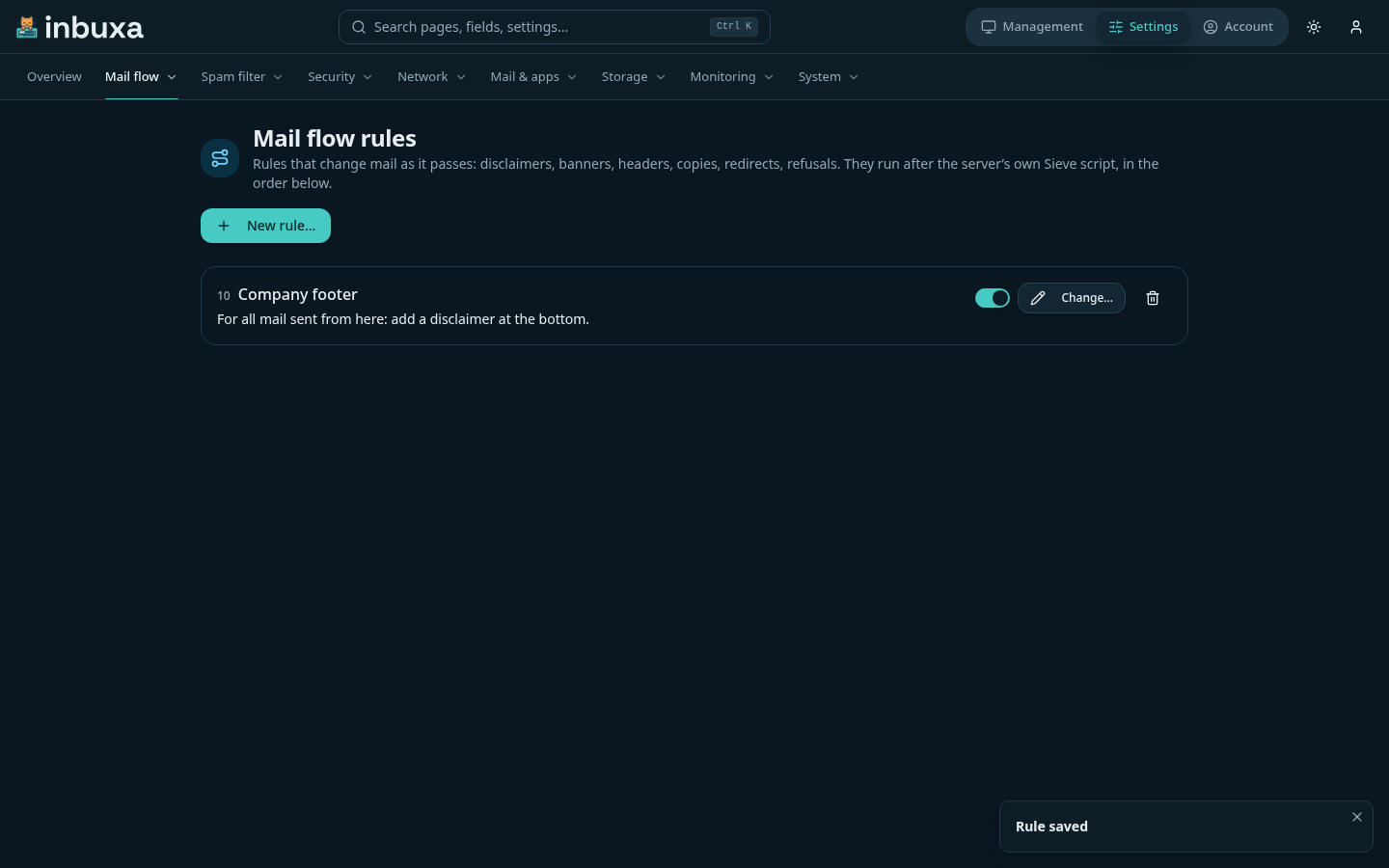
A rule has conditions, exceptions and actions, in the same editor as data loss prevention, and applies to mail sent from here, mail arriving here, or both. Rules run in order, lowest first; Stop here keeps later rules from running for that message.
Actions
| Action | What it does |
|---|---|
| Add a disclaimer | Adds your text (and an HTML version if you give one) at the top or bottom of the message's text and HTML bodies. Attachments aren't touched, and a disclaimer already there isn't added again, so a long thread carries it once. |
| Start the subject with… | Prefixes the subject, unless it already starts that way. |
| Add a header / Remove a header | Adds one, or takes out every header of that name. |
| Send a copy to… | Adds a recipient. |
| Send it to someone else instead | Replaces the recipients. |
| Send it through a queue | Uses a queue you've set up under Settings › Mail flow › Queues, ahead of the delivery strategy. |
| Refuse it | Refuses the message with your text. |
| Journal it | Keeps a copy in a journal you choose. |
With Sieve
Rules run after the server's own Sieve script at the message stage, so a script you've written keeps working and the rules see its result. Most things people write Sieve for at that stage are rules here.
What's recorded
Rule changes are in the audit log. So is every message a rule refuses, redirects, copies or routes: who sent it (or the server, for mail from outside), the rule, and what it did. Disclaimers, headers and subject prefixes aren't recorded per message: a banner on every message would fill the log.
Who can do what
The Administrator role sees and changes mail flow rules. A custom role can be given See mail flow rules and Change mail flow rules separately. They're the server's: nobody in a tenant reaches them.